Try it with Google Colaboratory
Learn how to access our introductory Jupyter notebook with Google Colaboratory.
Prerequisites
You must have access to Google Colaboratory (Colab).
Google Colaboratory (Colab) is a free Jupyter notebook environment that runs in the cloud. You can work with, run, and download our sample Jupyter notebooks from there.
Notebooks from ValidMind are safe to run — If you get a warning that this notebook was not authored by Google, we welcome you to inspect the notebook source.
Runtime errors — We recommend that you not use the Run all option. Run each cell individually to see what is happening in the notebook. If you do see errors, re-run the notebook cells.
Steps
Open the QuickStart notebook in Google Colaboratory:

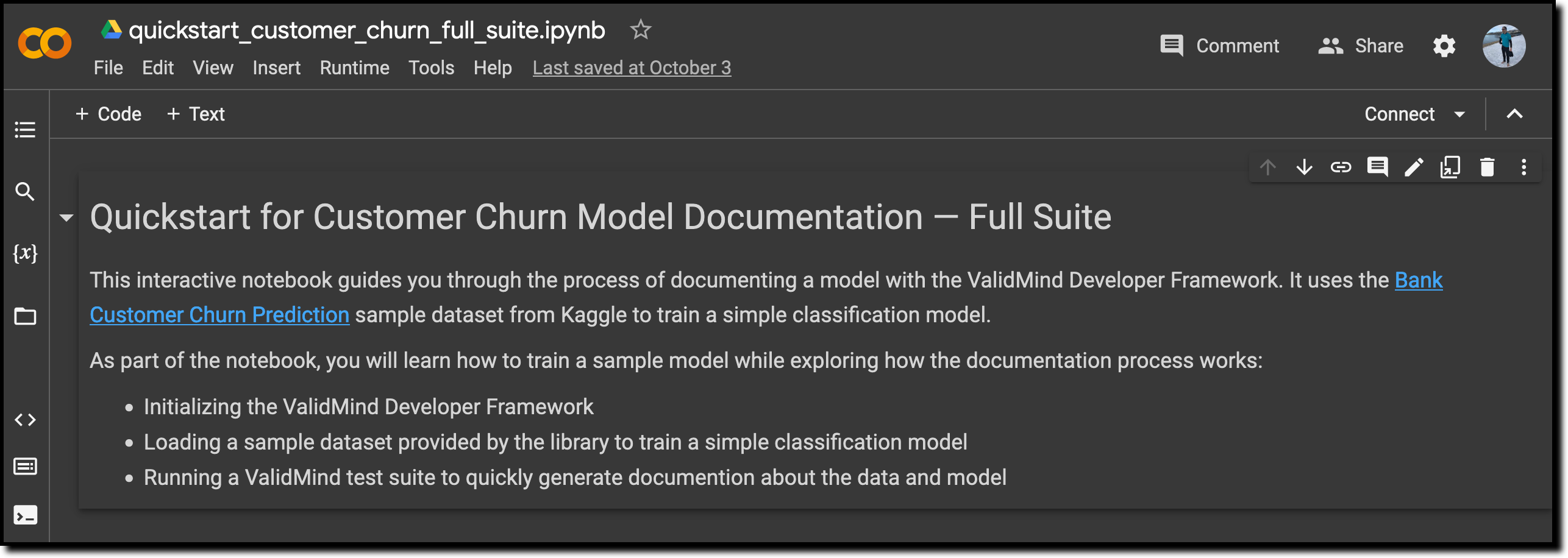
Click File > Save a copy in Drive to make a copy of the QuickStart notebook so that you can modify it later.
Alternatively, you can download the notebook source and work with it in your own developer environment.
What’s next
Continue with Explore sample model documentation to learn more about using the ValidMind AI risk platform hands-on.