Customize model inventory layout
Configure the information that displays on the model inventory, and swap between inventory views.
Prerequisites
There are models registered in the model inventory.
Steps
In the left sidebar, click Model Inventory.
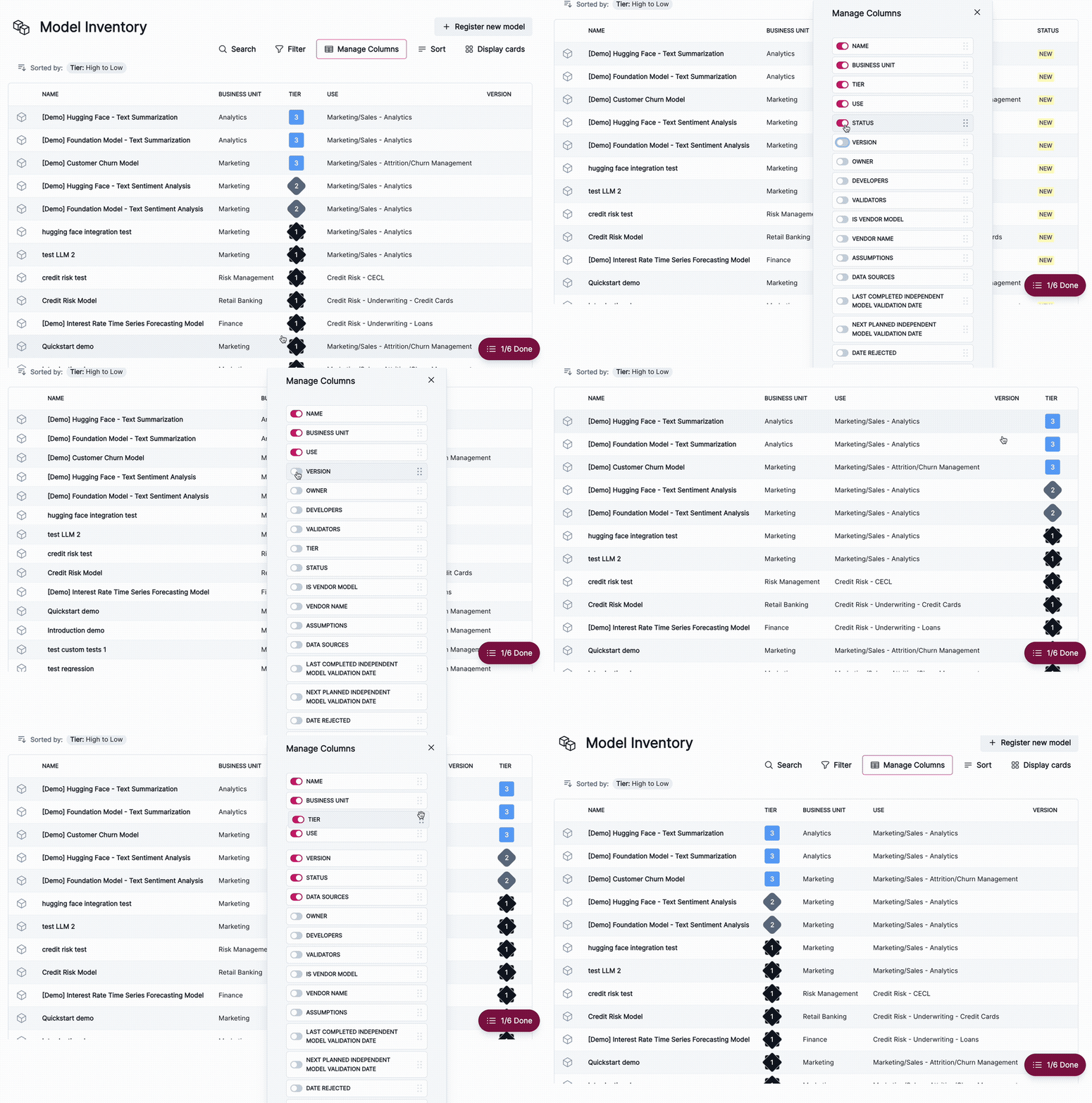
Click Manage Columns to manage column visibility and order. To use this feature, make sure you’re in table view.
You can toggle visibility for each category and drag each option to change the order:
Inventory display views
- To display the inventory in table view, click Display table.
- To display the inventory in card view, click Display cards.